
A sound-journey video begins with a slow view of trees. You enjoy the image, but after a while you would rather listen without looking at the screen. Before putting the device aside, check whether the picture is scenery or whether something you need to understand happens only on screen.
Watching and listening can serve different purposes within the same recording. You might want an audiovisual experience, a sound-based meditation or simply a short preview before choosing another resource. Decide which activity you want, then check whether the particular video supports that arrangement.
This guide offers practical selection suggestions for an optional listening session. It does not rank visual and audio formats as treatments, prescribe closed eyes or promise that removing a screen improves meditation. The useful result is an arrangement whose content and controls you understand.
Quick answer: check what the picture contributes
Preview the actual item and its description. Look for instructions, text or demonstrations that are available only visually. If the picture is optional scenery and the source permits listening without watching, you can choose that arrangement. Check that playback still works as intended. Where essential information would be lost, use an accessible alternative, keep the relevant information available or choose another resource.

A moving picture is not automatically an instruction to keep watching. Equally, an attractive thumbnail does not establish that the rest of the video is decorative. Keep the decision with this particular recording rather than assuming that every sound journey uses images in the same way.
First decide what you want to attend to
Perhaps you want to watch a filmed performance. Seeing a musician's actions can be part of the experience you selected. Another day, you may prefer to follow audible textures without attending to a picture. Those are ordinary preferences, and either can change before the recording ends.
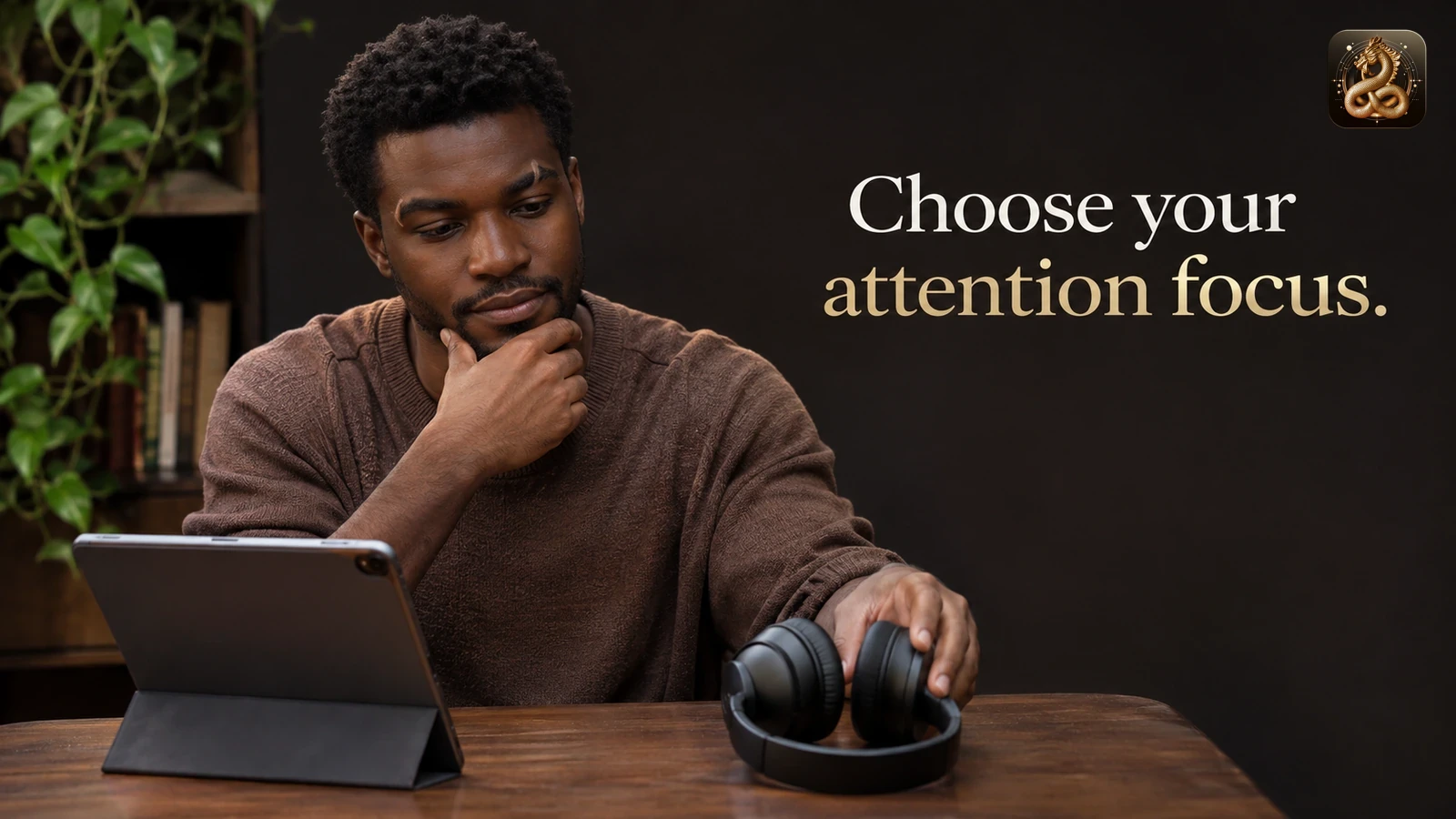
Name the task simply: “I want to watch and listen,” or “I want to use the sound as an attention focus.” That small distinction helps when a screen starts drawing you into reading comments, looking for the next scene or browsing related videos. You can then recognise that the activity has changed and decide what you want next.
There is no need to settle a general question about whether screens belong in meditation. You are choosing one session. A video may fit one occasion and an audio resource another. The practical convenience of each arrangement is separate from any claim about relaxation, sleep or other outcomes.
Find out whether the visual content is essential
Read the title and actual description before beginning. Look for a statement about how the resource is intended to be used. A performance film, a guided practice and an ambient visual loop can all accompany music, yet they give a viewer different information.

Preview enough to understand the format, including any introduction and relevant later sections. On-screen wording might introduce a change, identify a segment or qualify an earlier instruction. A demonstration may show something the voice never describes. Avoid treating an opening with scenery as evidence that no later visual information matters.
If the provider supplies a transcript or description, check which item it belongs to and what it covers. Captions of speech do not automatically describe everything visible. A brief promotional summary is different from an alternative that communicates the information you would miss.
You can ask a direct question: “Does this session contain any instruction that is only shown on screen?” The answer may help you choose. If the information remains unavailable, leave that uncertainty visible and use another resource rather than inventing what the picture probably adds.
Choose a workable watching arrangement
When watching is part of what you want, position the screen where viewing feels ordinary and comfortable. Check the whole arrangement before settling in: the device is stable, a cable is clear of your path and the controls you need remain accessible. A dramatic darkened room is unnecessary.
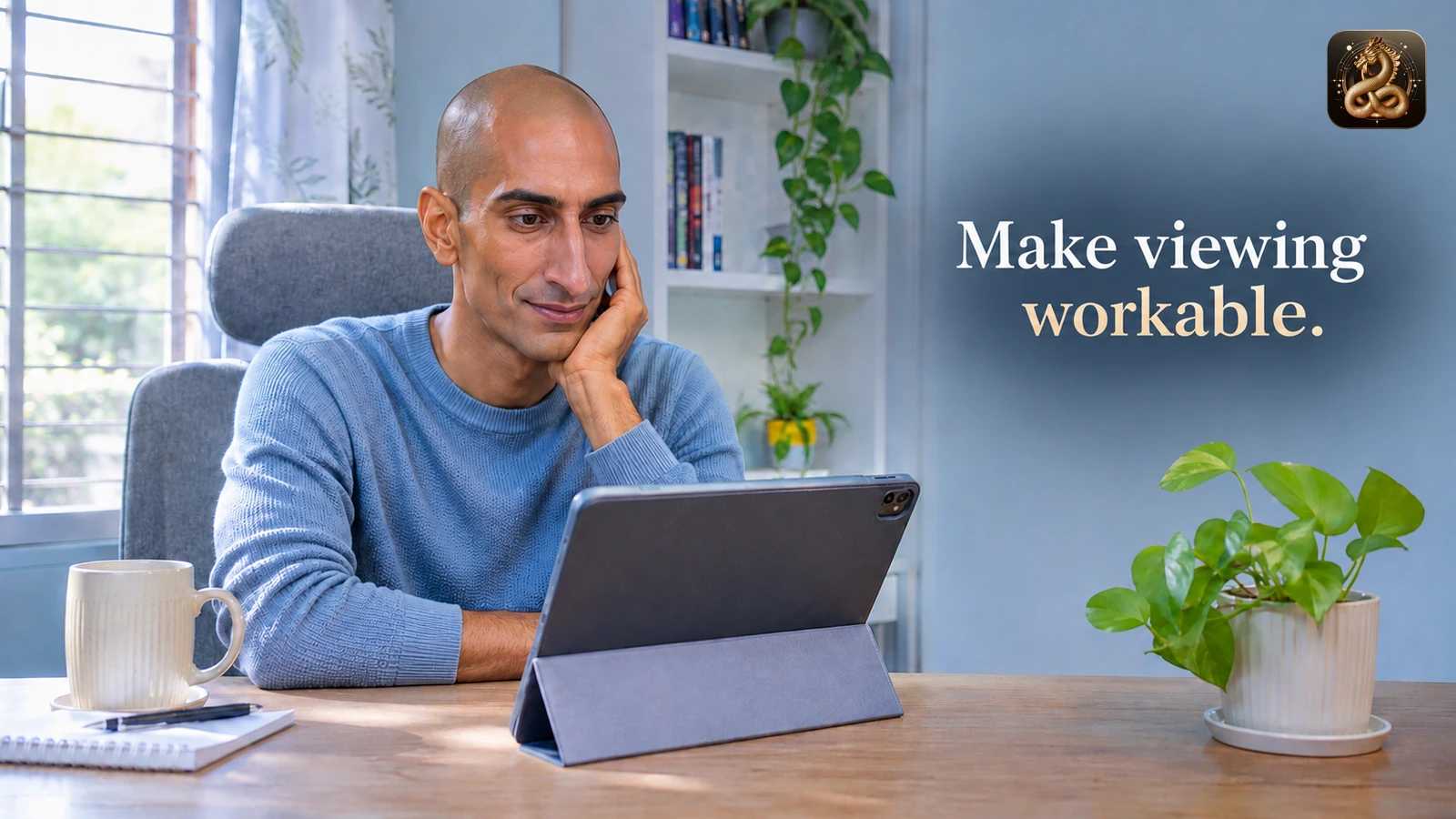
Keep eyes and posture within what feels workable to you. This article supplies no viewing-distance prescription or assessment of individual suitability. Looking away, changing position or ending the session remain available. Discomfort does not need an explanation about the recording's supposed effects before you respond to it.
Decide whether you want the picture continuously or only at certain points. If essential information appears visually, keep a reliable way to receive it. If you simply like the scenery, you can watch it as scenery without assigning its colours or transitions a therapeutic meaning.
Ordinary surroundings still matter. Remain available for responsibilities that need your attention. This guide concerns a voluntary session in a suitable place, not listening or watching while driving, using machinery or doing another activity where diverted attention could matter.
If you prefer listening without watching, check the actual player
First establish that the resource can be understood in that form. Then use only the playback arrangement the service and your device actually provide. A screen turning off may stop playback, continue it or behave differently under a particular setting. Check the result instead of assuming a universal background-audio feature.
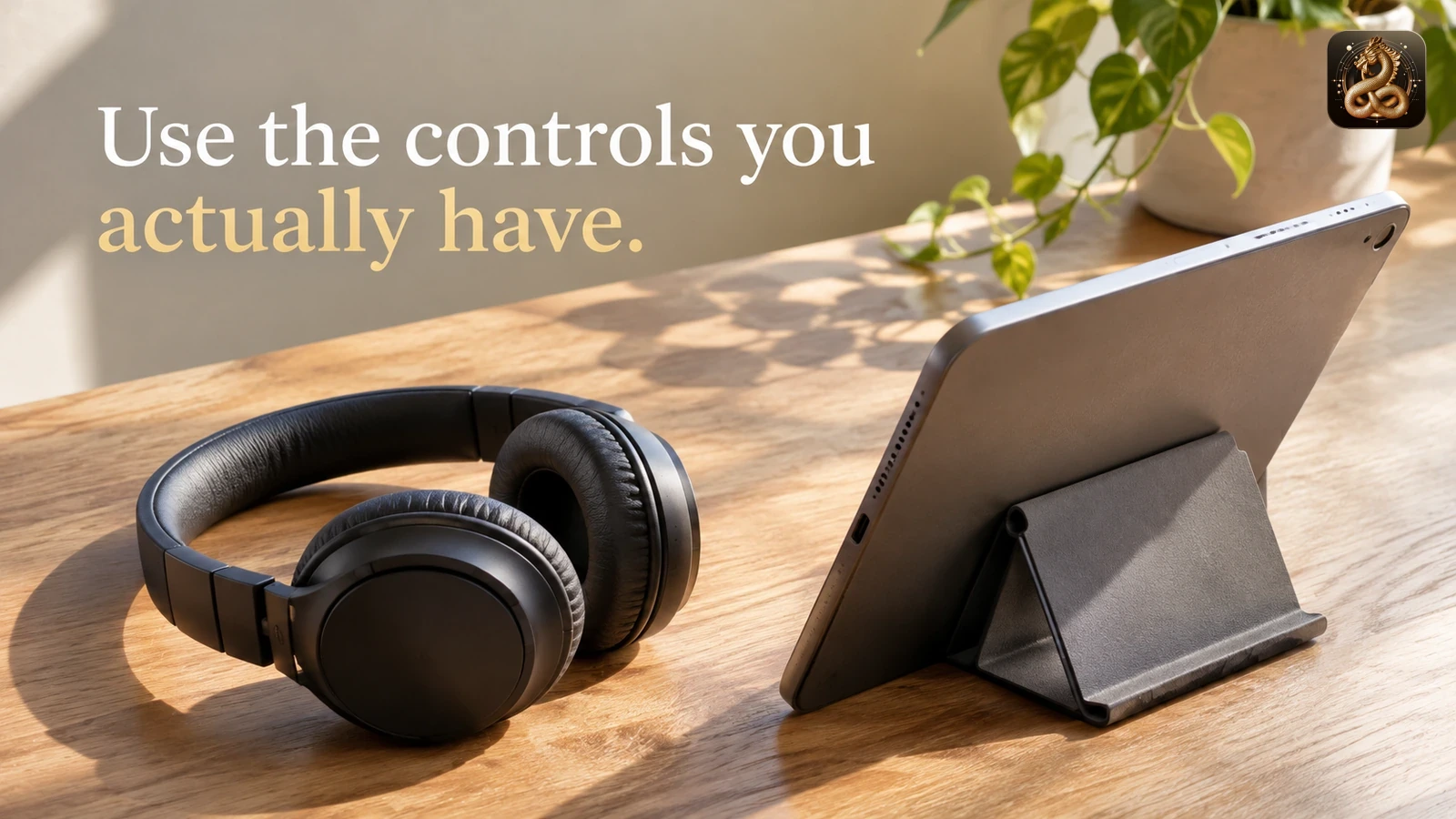
Make that check before treating the session as underway. You might put the screen aside while keeping the device in an ordinary supported position, then confirm whether the intended sound continues. Avoid changing several controls together; one deliberate action is easier to understand than a succession of taps.
If the arrangement repeatedly interrupts the audio, choose another genuine resource or finish. You do not need to discover a workaround, change account permissions or install an unfamiliar tool just to complete an optional meditation. Follow the provider's actual instructions where a feature question matters.
A separately available audio edition may be convenient, but check that it really exists and contains what you expect. Similar names do not prove identical content. This guide does not claim that SoulFul GLO supplies an audio download, background playback or an alternative edition for every video.
Explore the listening format first
SoulFul GLO's online sound bath guide introduces digital listening formats. Use it as background when deciding what sort of activity you want, then inspect the specific recording available to you.
Keep images from becoming promises about your response
A forest scene can be a picture you like without requiring you to feel as though you are outdoors. Abstract light can remain a visual choice without representing a process occurring inside your body. Describe what is on screen and your own preference separately from explanations you cannot establish.
The same distinction applies when sound and image change together. You may notice that a brighter scene accompanies a new passage. That observation does not establish why the creator paired them or that the combination produces a particular emotional response.
If you would rather follow the sound, return to something you can actually hear. There is no requirement to imagine the scene after looking away. If you would rather watch, let that be the activity you selected. Neither choice needs to become a test of whether you are meditating correctly.
Two fictional choices with different purposes
The following examples are invented to illustrate practical decisions. They are not customer accounts or evidence of a wellbeing result.
Mina opens a video because she wants to see an instrumental performance. During her preview, she notices that the musician's actions are part of what interests her. She chooses to watch and listen from a comfortable chair. When she needs to answer a household question, she stops and responds rather than trying to maintain continuous attention to the film.
Mina has selected an audiovisual experience. She does not describe the moving image as a requirement for every future sound journey. Later she may choose an audio-only resource for another purpose, without needing to compare which session was more successful.
Dev wants a sound-based meditation and finds a video with scenery. The description is unclear about later instructions, so he checks the resource before setting the screen aside. He finds that a relevant written instruction has no spoken equivalent. For this occasion he chooses another resource whose guidance he can understand without watching.
Dev's decision concerns missing information, not a conclusion that the first video is poorly made or unsuitable for everyone. A viewer who wants that visual arrangement may make a different choice. The important distinction is what each resource actually communicates in the form the person intends to use.
Change the arrangement without chasing an ideal session
You can discover a preference while listening. Perhaps you initially enjoy the picture and later want less visual activity. Check whether setting it aside would leave you with understandable content, then choose accordingly. You can also stop rather than restructure a session midway through.
If the audio stops unexpectedly, treat that as a playback question. Observe the actual visible state before deciding what happened. Increasing the volume repeatedly will not establish whether the screen setting caused a pause. A persistent device problem belongs with the relevant support guidance.
There is no need to make up time spent checking a control. The session includes the practical choices you made. Finish when the activity no longer fits the available time, when you want another format or when continuing is uncomfortable.
What the source context supports
The W3C Web Accessibility Initiative's media-planning guidance distinguishes audio-only and video content and the accessibility information different media may require. Its context supports checking what information an alternative supplies. It does not validate this particular meditation-selection workflow or establish equivalent experiences across formats.
NCCIH's meditation overview discusses research limits and advises against replacing conventional care or postponing medical attention. Research concerning a meditation programme cannot establish that a particular video, scenic sequence or sound journey produces the same effects. Personal responses vary.
The choices and fictional examples in this article are original editorial suggestions. They concern practical use, not a clinical protocol. If the activity causes distress, stop and seek appropriate support where needed.
Frequently asked questions
Must I close my eyes to use a sound journey?
No closed-eye requirement is supplied by this guide. Choose guidance and an arrangement you understand and want to use. When a particular source gives an instruction you do not want to follow, you can choose another resource rather than assuming that changing it preserves the same practice.
Can I assume the picture is decorative when there is no speech?
No. Important wording or other information could appear visually. Inspect the actual resource and available description before choosing a form that leaves out the picture. The absence of a voice does not establish that all relevant content is in the audio.
Will an audio-only version have the same content?
Check the actual edition. A matching title or thumbnail does not establish identical content, duration or guidance. This article makes no claim that every video has a separate audio edition or that two formats have the same effect.
What if looking away stops the recording?
Check the actual player state and the service's supported arrangement. You can use another genuine resource or finish. Avoid treating a playback limitation as a reason to bypass controls or keep trying indefinitely.
Choose the next session by its actual content
For a separate equipment decision, read SoulFul GLO's headphones-or-speakers guide. For this session, keep the choice smaller: understand what the picture contributes, select the activity you want and use an arrangement that genuinely supports it.