
A long note fades away and nothing follows. You reach for the volume control, wondering whether the recording stopped. A quiet passage, a paused player and an interrupted connection can sound similar from your chair. You do not have to decide which one it is by turning the sound up until something becomes audible.
This guide offers a short checking sequence for an ordinary listening session. It does not identify every technical fault, certify a recording or prescribe a sound level. Its purpose is to keep a moment of uncertainty from becoming repeated volume changes, unnecessary troubleshooting or a search for a hidden meaning in silence.
Quick answer
Leave the volume where it was and check the visible playback state. Look at the recording title and whether the displayed position appears to advance, if the player supplies that information. Check an obvious connection or output choice once. If you cannot establish what happened, stop playback and decide whether to try again later, choose another recording or finish the session.
Do not assume that an advancing display proves audible output, or that a quiet passage proves a fault. It may simply be unclear. You can leave the cause unresolved without making the session unsuccessful. If sound returns unexpectedly, a level you have not increased is preferable to one raised repeatedly while you were trying to find it.
First, leave the volume alone
The moment of silence creates a strong temptation to compensate. Resist treating loudness as a diagnostic tool. A recording may resume with a stronger passage, or an interrupted connection may begin working again. Repeatedly increasing volume while you cannot hear the result gives you less information about what the eventual return will sound like.

For broader listening-safety context, consult WHO safe-listening guidance. This article does not measure your exposure or certify a volume setting.
If you have already raised it, stop playback before deciding how to resume at an appropriately cautious level. Do not use this article as a numerical volume recommendation. Device settings, recordings and environments differ. Comfort, a peaceful title or the absence of obvious distortion cannot certify a listening exposure as safe.
Avoid competing with room noise to uncover a very quiet detail. You could choose another time, another suitable setup or no audio. There is no obligation to hear every layer of a sound journey. A passage that is hard to distinguish in your setting can remain indistinct without requiring a louder session.
If listening is uncomfortable or you notice a concerning symptom, stop rather than continue testing. Seek appropriate advice when needed. The checks below concern ordinary playback uncertainty, not hearing assessment, medical interpretation or a way to test your hearing by comparing tones, ears or devices.
Check what the player actually shows
Look at the visible state without assuming every player uses the same controls. It may show a play button, a pause button, a progress indicator or an interruption message. Read the actual labels where available. An unfamiliar icon is not reliable evidence that a particular setting is on, especially if its state is unclear.
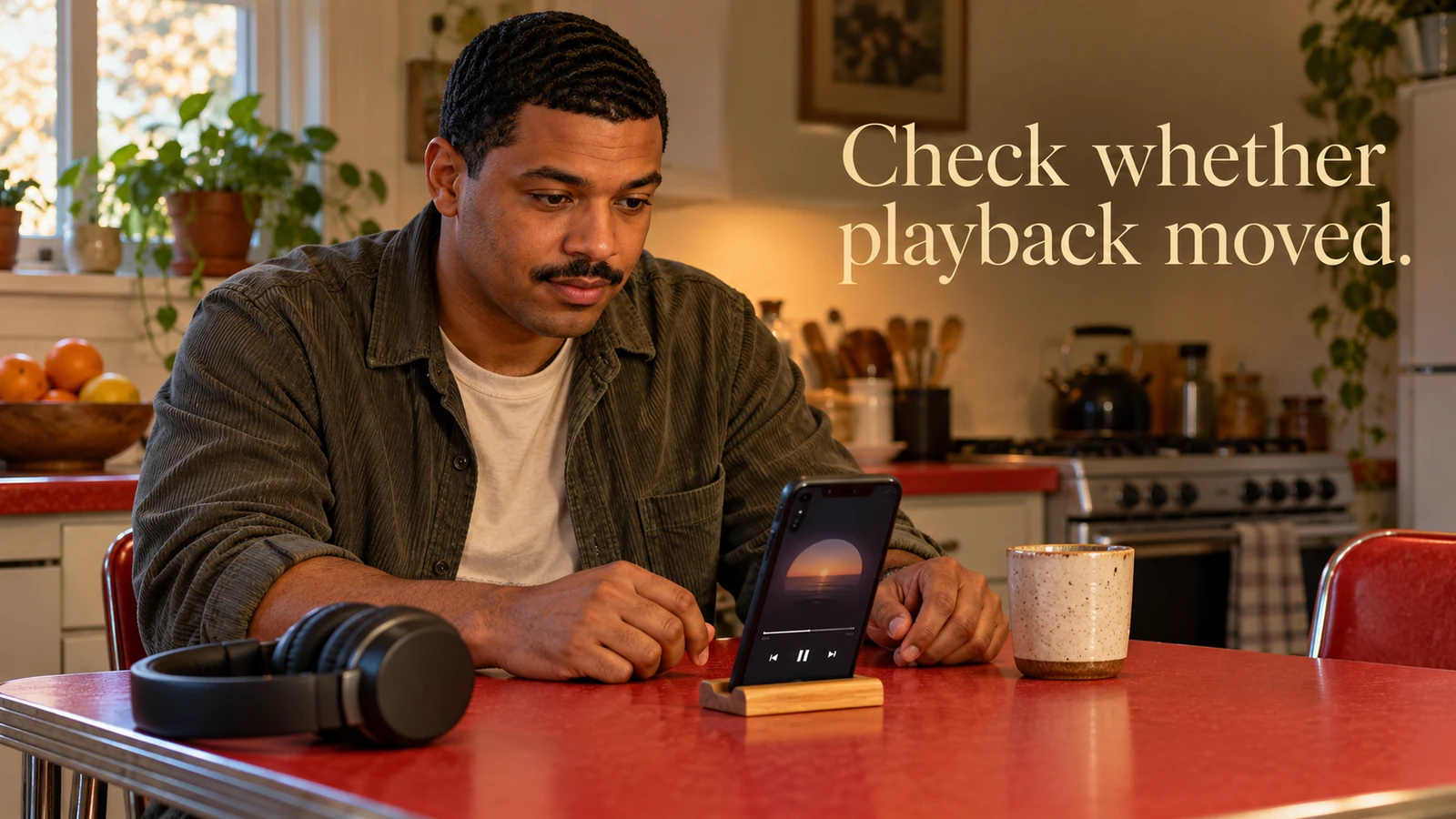
Confirm that the title or file is the one you intended to use. A similar title, a preview excerpt or a different version can lead to a different ending. You do not need to investigate every release detail here. Establish enough to know which item you are currently checking before deciding that its audio behaves unexpectedly.
If the player displays position and duration, look at them briefly. A position that appears to advance suggests that the interface is progressing, but does not establish what is reaching the output. A position at the end may indicate completion. Keep each observation limited to what you can actually see rather than turning it into a complete diagnosis.
Do not repeatedly tap the main control while watching for a response. You can lose track of whether the last action paused or resumed playback. Make one deliberate change, observe its visible result and stop if the state remains unclear. A sound journey does not need an extended troubleshooting session to count as time you chose to spend listening.
Allow the quiet passage to remain uncertain
Music and sound recordings can include fades and spaces, but a particular silence should not be called intentional without relevant evidence. A creator's description, a reliable track note or an exact known passage may clarify it. When none is available, say that you do not know rather than inventing an artistic or therapeutic explanation.

A quiet section is not evidence that a frequency is working below awareness, that your body has entered a special state or that you should listen harder. Those claims require their own support and do not follow from an uncertain playback moment. Keep the listening decision separate from stories about mechanisms or outcomes.
You might choose to wait briefly at the same level if the setting and your attention allow it. That is a preference, not a rule about how long a pause should last. You can also stop immediately. The duration you happen to wait cannot determine whether a gap was intentional or whether a recording is technically correct.
If you return to the same passage later, keep the exact version and position in mind where the interface makes that possible. Do not assume that a similarly named track will reproduce the same passage. A repeat observation may clarify the experience, but it still does not automatically establish the creator's intention or a health-related meaning.
Check one obvious output or connection
If there is a straightforward visible explanation, check it once. A headphone plug may be partly disconnected, or the player may show an output destination you did not intend. Use the device's actual instructions for its controls. This article does not claim that SoulFul GLO or every device supplies a specific output selector, download feature or connection screen.
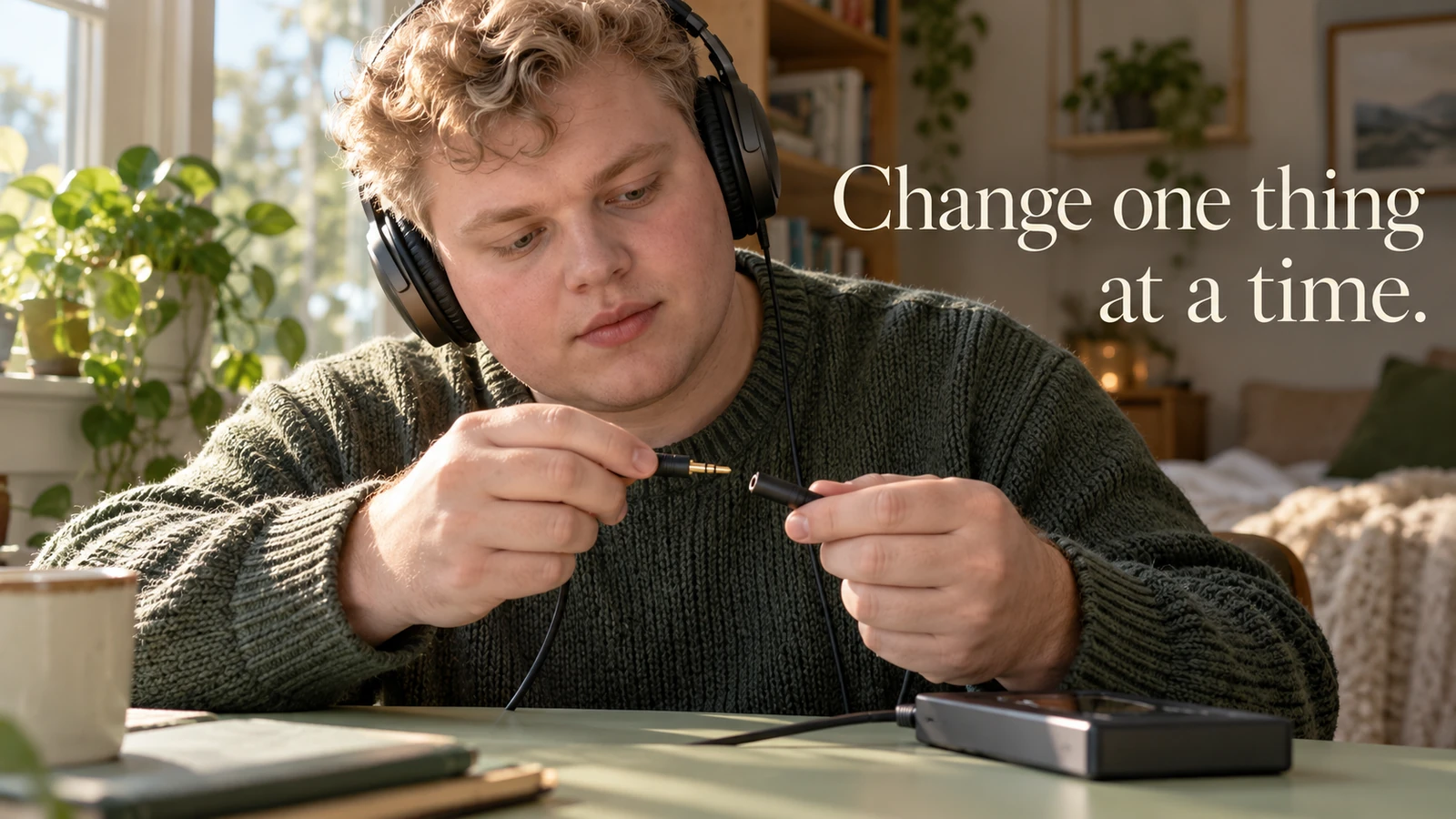
Stop playback before changing equipment or reconnecting it. Choose a cautious level when you resume. If you cannot identify the destination reliably, leave playback stopped instead of sending audio through a succession of unknown outputs. In a shared space, consider whether a speaker could unexpectedly disturb someone else.
Change one thing at a time so you retain a useful observation. If you reconnect headphones, change tracks and adjust several settings together, a return of sound does not tell you which action mattered. You may not need a diagnosis at all; the simpler choice can be to use a different familiar setup on another occasion.
Avoid changing system-wide sound settings you do not understand just to complete this session. A visible service message or device support page may be a better source for a persistent fault. Keep any report factual: the exact item, what the display showed, the approximate position if available and the action that preceded the interruption.
Distinguish a listening decision from a repair task
Ask what you need now. If your aim was a short optional listen, you may prefer to finish rather than troubleshoot. If you genuinely want to investigate a recurring fault, treat that as a separate task with the relevant device or service guidance. Neither decision requires you to prove that you persisted long enough.

You can choose another recording without declaring the first one defective. An uncertain gap, an unexpected transition or a texture you do not enjoy may simply make it a poor choice for this occasion. Preference does not need a technical justification. Keep a personal description of the experience separate from a public claim about the recording's quality.
Likewise, a successful restart does not prove the underlying issue is resolved. You have observed that playback resumed on that attempt. If the problem recurs, retain that limited observation. Avoid repeatedly clearing data, changing accounts or reinstalling software without understanding the consequences and consulting the appropriate support instructions.
If you contact support, omit unnecessary personal details. A concise playback description is usually more useful than an explanation of what you hoped the session would do for your wellbeing. Do not send passwords, access tokens or private recordings merely because a support request mentions technical information. Use the service's genuine support route.
Two fictional listening interruptions
Amira hears a note fade while using headphones at home. She notices that she has started reaching for the volume button and stops. The player still displays progress, but she cannot tell whether this passage is supposed to be quiet. She waits briefly at the same level, then ends the session when she would rather move on.
Amira's observation is that the display advanced during an inaudible passage. She does not describe the gap as a healing interval or a fault she has confirmed. The fictional example illustrates keeping a conclusion narrow. It does not establish that waiting is always appropriate, or that an advancing display proves the headphones are functioning.
Ben is listening through a familiar speaker when the sound stops. He stops playback and checks the visible output information using his device's usual controls. He finds that the destination is not the one he expected. He selects the intended setup, resumes cautiously and notices that sound is available on that attempt.
Ben has a practical explanation for this interruption, but he does not generalise it to every future gap. He also does not raise the level to test the connection. If the problem returns, he will use the relevant support guidance. The example concerns an ordinary device choice, not a feature claim about a particular SoulFul GLO player.
Close the session clearly
When you finish, make a deliberate stop rather than leaving uncertain playback running while you move to another task. Check the visible state if that is straightforward. Put equipment down in the usual way and return attention to your surroundings. You do not need to replay the opening merely to give the session a tidier ending.

If you want to remember what happened, keep a short factual reference rather than an elaborate explanation. The useful detail may be the track and approximate position, or simply that you preferred to stop. Recording it is optional. A listening session does not need to become a journal entry or an investigation of your response.
For another occasion, choose the arrangement that fits what you learned. That could be a familiar recording, a quieter setting or a different activity. You are deciding how to use your attention and equipment, not proving that every silence has an explanation you should be able to discover while meditating.
Review the listening setup if needed
SoulFul GLO's equipment guide addresses the broader choice between headphones and speakers, including comfort and shared-room considerations. Use it when the arrangement itself needs attention rather than treating a single quiet passage as the whole decision.
Read headphones or speakers for a sound journey
If you would like to remember preferences without making health claims, the listening-journal guide keeps observed sounds and practical choices separate from assumed effects. A brief note is optional; the primary task here remains an ordinary playback check.
Explore the sound journey listening journal
Frequently asked questions
Does silence mean the recording has stopped?
Not necessarily. Check the actual visible player state and any relevant recording information. You may still be unable to establish the cause. It is reasonable to stop with that question unresolved.
Should I increase volume until I hear something?
Do not use repeated increases to investigate an inaudible passage. Sound may return unexpectedly. Stop playback before adjusting the setup, and use an appropriately cautious level if you decide to resume.
Can a moving progress display prove that audio is working?
It shows an interface observation, not a complete output test. Keep the conclusion limited and check only an obvious connection or destination if that is straightforward. Persistent faults belong with the relevant device or service support guidance.
Must I finish the track after an interruption?
No. You can end an optional listening session without restarting or compensating for missed time. Choose the next activity that fits your situation rather than treating completion as a requirement.