A sleep meditation can start just as you hoped and still end in a way you did not expect. The guide may finish speaking while the background audio continues. The player may start another episode. A recording that sounded quiet in the middle can have a spoken closing line. If you expect to put the phone down and leave it alone, it helps to know what the audio will do next.
Choose an ending you can check while you are awake. A finite recording can reach its own close. A player timer, where available, can stop playback earlier. In either case, the track and the playback settings work together. A short recording can run for a long time if the player repeats it. A timer may be unnecessary if the track ends as you want and the player stays quiet afterward.
Quick answer
Preview the last part of a short sleep meditation, then let it play through the ending. Check whether the player goes quiet, repeats the track, or starts something else. If you want playback to stop sooner, use a timer supported by the player and test it while you are awake. Choose the option you can reliably set in your usual setup before putting the device down.
Decide what a predictable ending means for you
Start with the thing you want to be able to leave alone. You may want to know that the voice will stop after a few minutes. You may want all audio to end even if you are still listening. If you share a room, your main concern may be that the player will not switch to a louder recording after the one you chose. Each is a slightly different question and can be checked on its own.
Think of the last time you had to reach for your phone. Perhaps you heard an outro you did not expect, or you noticed the same introduction starting again. You could choose a track without a spoken close for the first situation. For the second, you might keep the recording and change the repeat setting. Begin with the most specific change you can make.
The time shown next to the title is a useful clue. It tells you roughly how long the selected file runs. It does not usually tell you whether the last minute is spoken, whether another file will follow, or whether a timer is already active. A small test of the actual player can answer those questions faster than comparing several titles.
Listen to the end of one finite recording
Choose a track you would consider using and find a point near the end. Listen from there at a comfortable level. Notice when the guide stops speaking and what follows. A little music after the voice may suit you. You may also prefer a clear stop shortly after the last instruction. Decide how that specific ending sounds to you when you are awake and can change your choice easily.
Let the track play all the way through. A recording can sound finished even while the playhead keeps moving. Watch what happens once it reaches the end. If the title changes or the introduction starts again, look at the queue, repeat, or autoplay controls. If the player goes quiet, wait briefly and confirm that it stays that way in the setup you plan to use.
Keep the comparison small. If you want a different ending, preview one alternative and make a note of what you heard. “Voice finishes, soft music fades, player stops” tells you more about the close than a broad rating. If both endings sound fine, choose the recording whose opening and length fit the rest of your routine.
Check repeat, autoplay, and the queue
These settings can produce different results. Repeat can start the same recording again. A queue can play a second item you added earlier. Autoplay can select another item after the original recording or queue finishes, depending on the service. When playback continues unexpectedly, identify which of those happened before changing several settings at once.
Check the controls in the context you will use. Playback from a playlist may behave differently from opening a single recording. A speaker or another device might continue a queue that is already active there. Open the recording the way you intend to open it at bedtime and confirm where the sound comes out. Clear items from the queue or change playback settings if you can do so and want the player to stop.
If the controls are hard to find, use a recording and player you already understand. You can also choose a quiet practice without audio for that night. The useful setup is the one you can start and leave without having to solve another problem just as you are getting ready for bed.
Test a sleep timer while you are awake
Some players offer a sleep timer or an option to stop when the current recording finishes. Others rely on a device setting. Check the instructions for the player or device you actually use. A timer with the same name may behave differently in another app. Choose the simplest method that you can see operating in your own setup.
For a first test, set a short interval when it is convenient to listen and watch what happens. Use the same audio output you expect to use at night. If you normally lock the phone while the recording plays, include that in the test. At the end of the interval, confirm whether playback stops or whether you only receive an alert. If an alert sounds, decide whether it suits the use you had in mind.
A timer may end the recording before the guide reaches its final words. That may be fine if you want a clear limit and do not care about hearing the whole track. If you like the guide's ending, use a finite recording and check what the player does afterward. A timer set for longer than the track can also leave time for a queued item to start, depending on the player. Test the whole combination you intend to use.
Make a simple choice for tonight
Suppose you have twenty minutes for getting ready for bed and want a brief guided practice before putting the phone down. A shorter finite recording may fit well. Preview the close earlier in the evening, make sure the queue will end, and keep the recording easy to find. If you want to stop before a longer track finishes, a tested timer can give you a shorter listening window.
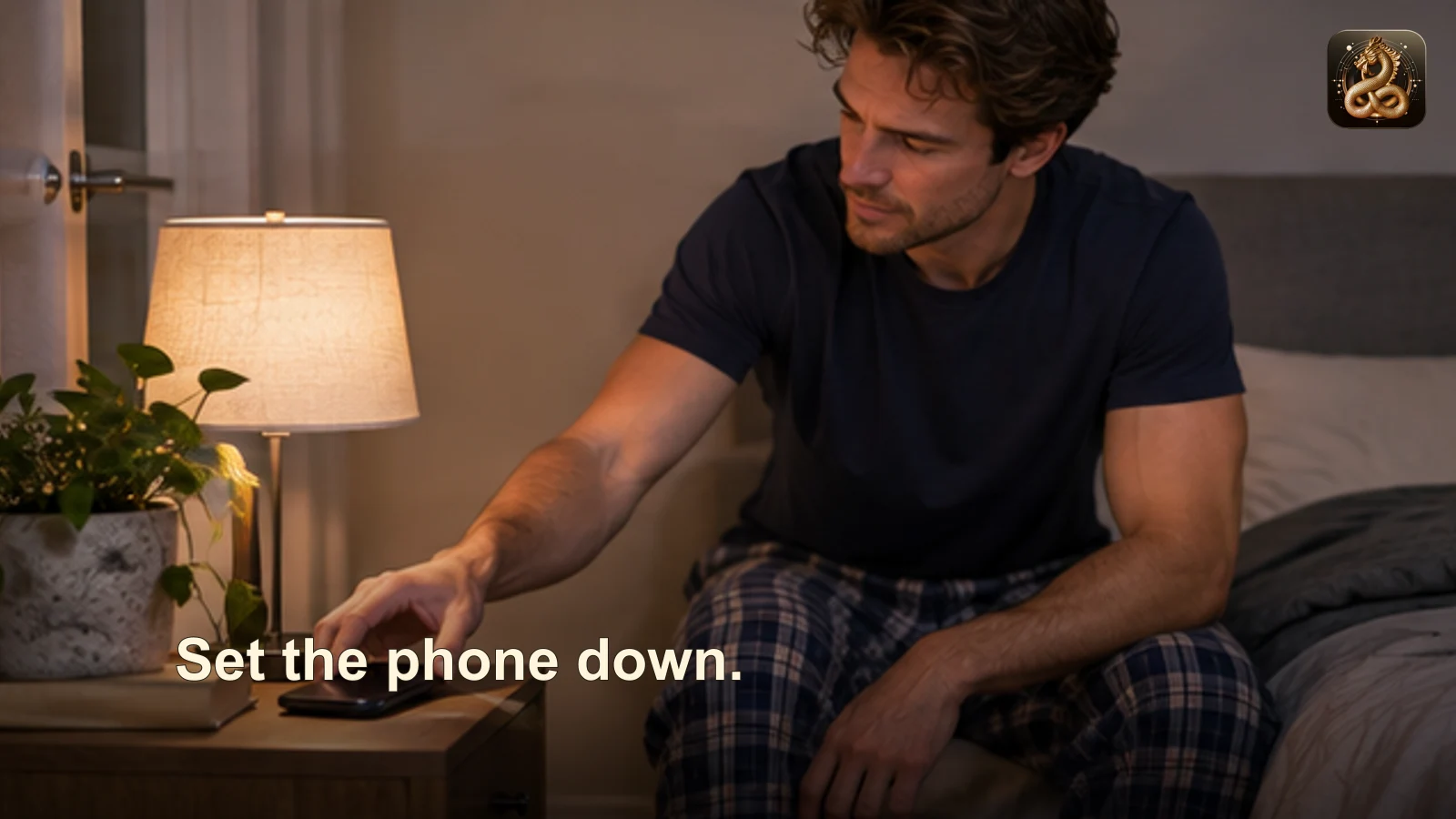
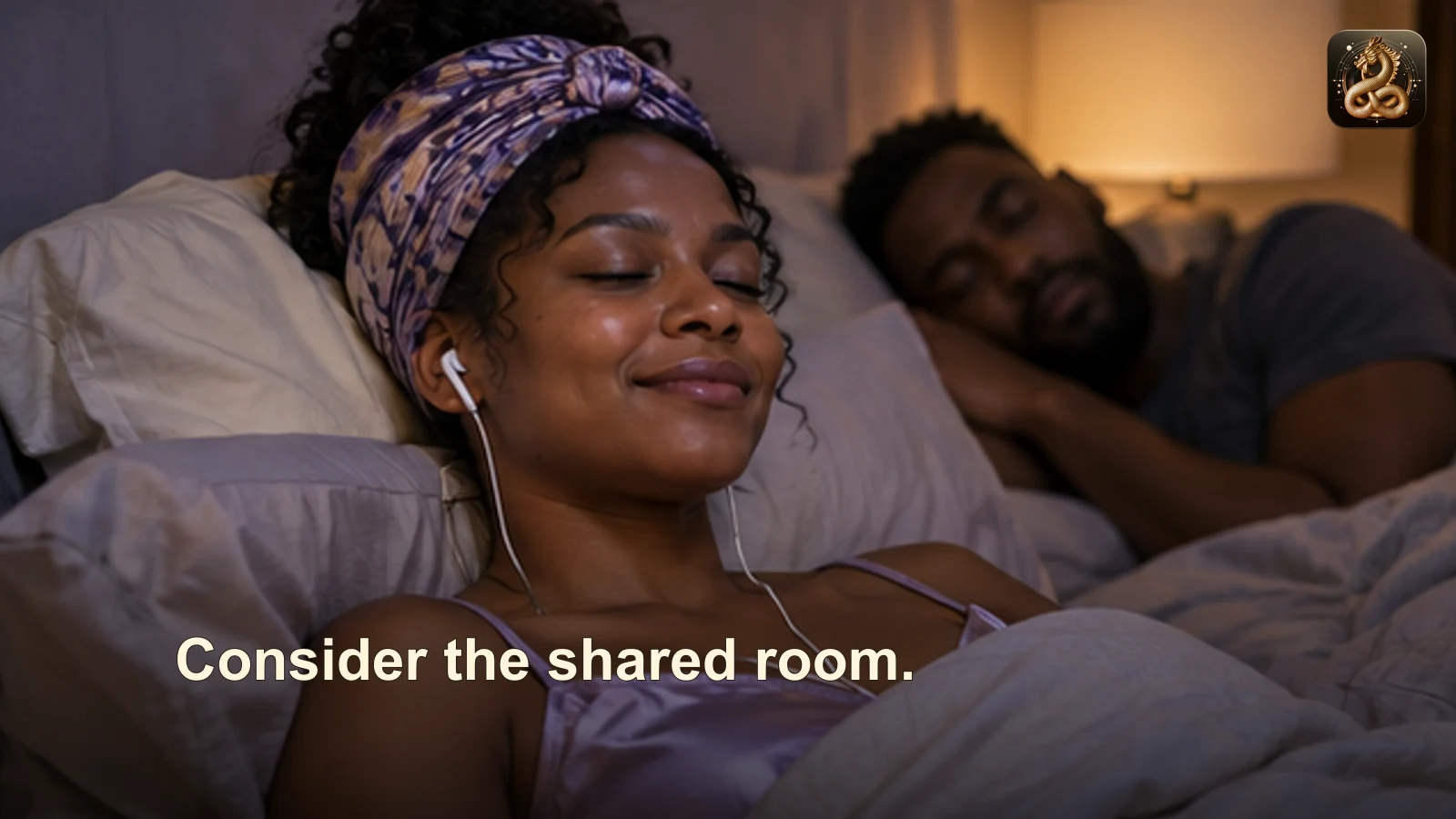
In a shared room, consider where the sound will be heard and what will happen if headphones disconnect. If you are unsure how your phone or player handles that change, check it while everyone is awake or choose a quieter option that fits the room. It can help to agree on whether any audible playback is welcome before you start.
Your routine may differ when you get home late. You might want to hear only a short portion and skip a more elaborate setup. The guide to using sleep meditation after a late evening offers a way to make that decision. Pick a playback arrangement you can use even when you have less time than usual.
Leave an easy way to stop sooner
Keep the pause control where you can reach it comfortably. If the recording starts with an instruction you do not want to follow, you can stop then. If you hear the close and want quiet immediately, you can stop there. Setting up a predictable ending gives you another way to finish. You can still change your mind while the recording is playing.
You may also decide that a session without audio works better on some evenings. The choice can depend on who is in the room, how much time you have, or whether you want a device nearby. You do not need a single playback setup that fits every night. Keep one option that is easy to repeat and use it when the circumstances suit it.
When you find a combination that works, note the track name and the one setting that mattered. “Opens alone, repeat off” is enough if the track stops by itself. “Timer tested with the speaker” is useful if you plan to cut a longer track short. The note can save time later, especially if you use more than one player.
If you sometimes switch between a phone speaker and a bedside speaker, keep a short note for each setup. You may use the same recording with both, but the controls you reach for can differ. Test the one you expect to use next and keep the setup simple enough to repeat.
Frequently asked questions
Does a ten-minute recording always stop at ten minutes?
The recording may last ten minutes, but the player can repeat it or start another item. Let it play through the end while you are awake. Check the player controls if you want playback to stop there. The test is more useful when you start the track from the same place you will use later.
Should I use a timer if the recording already has a clear ending?
A timer can be helpful if you want to stop before the end or if you prefer an explicit playback limit. A finite recording can be enough when you like its close and the player stays quiet afterward. Try the setup you expect to use and decide whether another setting would help.
What if the timer makes a sound?
Check whether there is a separate option to stop playback quietly. The player and device may offer different controls, so test any option you intend to use. If the timer still gives an alert you do not want, choose a finite recording with a quiet ending and check that the queue stops afterward.
Can I leave a recording playing longer?
Choose a duration that suits you and the people sharing your space. If you want audio to continue after the voice finishes, find a recording that does that and check when it eventually stops. If you prefer quiet after the guide, choose a finite track or test a shorter timer.
Try the ending once before bedtime
Play the last part of your chosen meditation while you are awake. Let the guide finish and listen for what the device does next. If the player stays quiet, you have a working finite option for that setup. If another track starts, check the queue and repeat settings or try a tested stop timer.
Put the track where you can find it again without searching. When you are ready to listen, choose the same setup you tested or check any change that matters, such as a different speaker. Once you know how the audio will end, you can set the device down and use the time you set aside.